How to Transfer Files From Dropbox to Google Drive Without Downloading Them
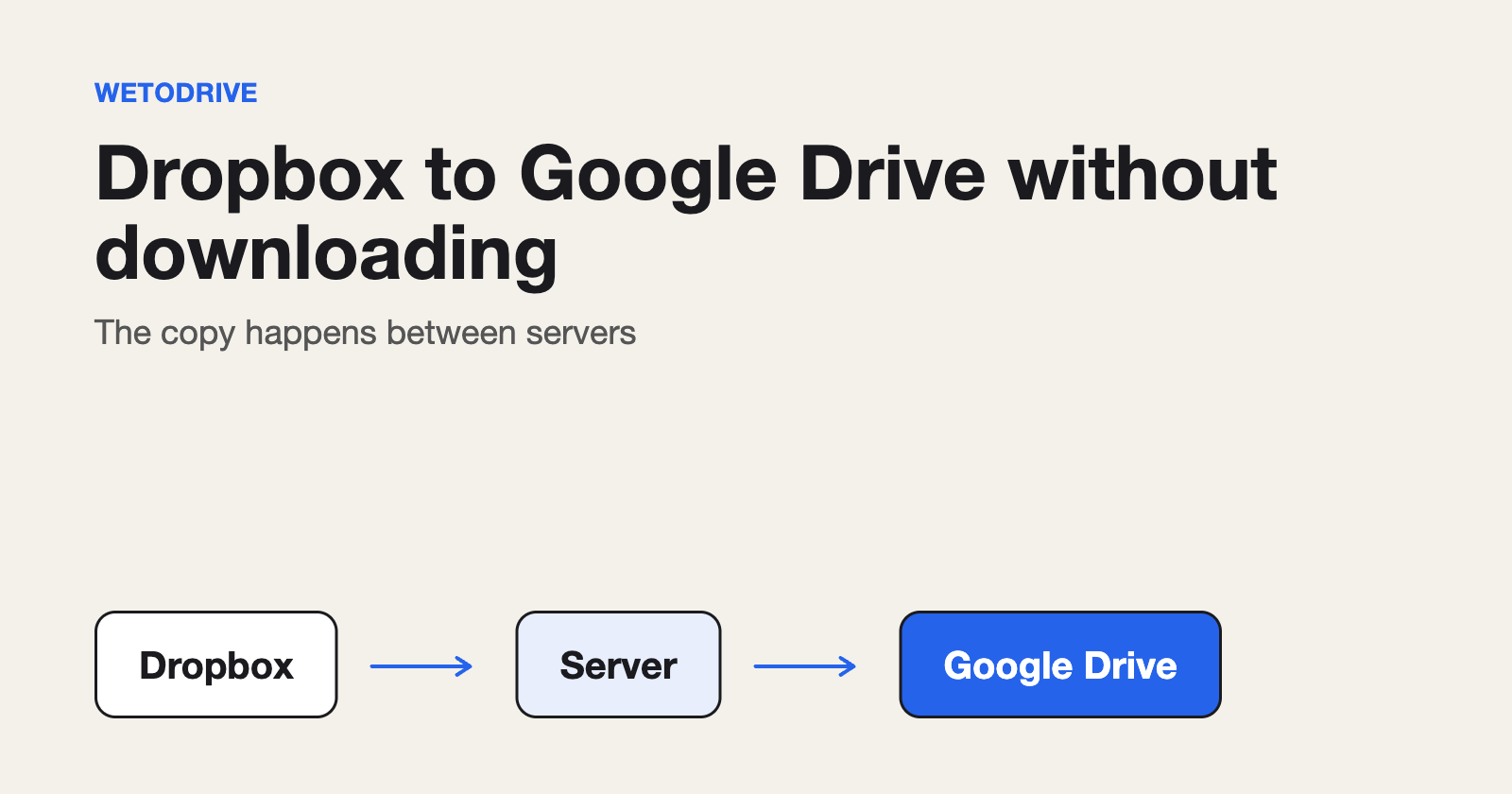
The usual way to move files from Dropbox to Google Drive is to download them and upload them again. A 20 GB folder means 20 GB down and 20 GB up over your own connection, and it all has to fit on your disk on the way. These are the three options and how they compare.
1. Download and re-upload
No setup, but your connection is used twice, you need the free disk space, and the transfer stops if your laptop sleeps.
2. Both desktop apps
Install Dropbox and Google Drive for desktop, then copy between the synced folders. The transfer resumes when the apps do, but both folders have to sync onto your computer, so you still need the space and the bandwidth.
3. A direct copy on a server
A service copies from Dropbox to Google Drive between its own servers, so nothing is downloaded to your computer or uploaded from it. Your internet connection is not involved beyond loading the page.
With WetoDrive:
- Sign in with Google, then connect Dropbox. You do this once.
- Browse your Dropbox on the page and select a file or a folder.
- Press Transfer. Watch the progress, or close the tab and wait for the email.
What "without downloading" really means
Files over 1 GB stream from Dropbox to Google Drive in pieces and are never stored on our servers. Smaller files pass through a temporary copy that is deleted as soon as the upload finishes. In both cases nothing reaches your device. Your Dropbox is only read, and nothing in it is changed or deleted.
Transfer or sync?
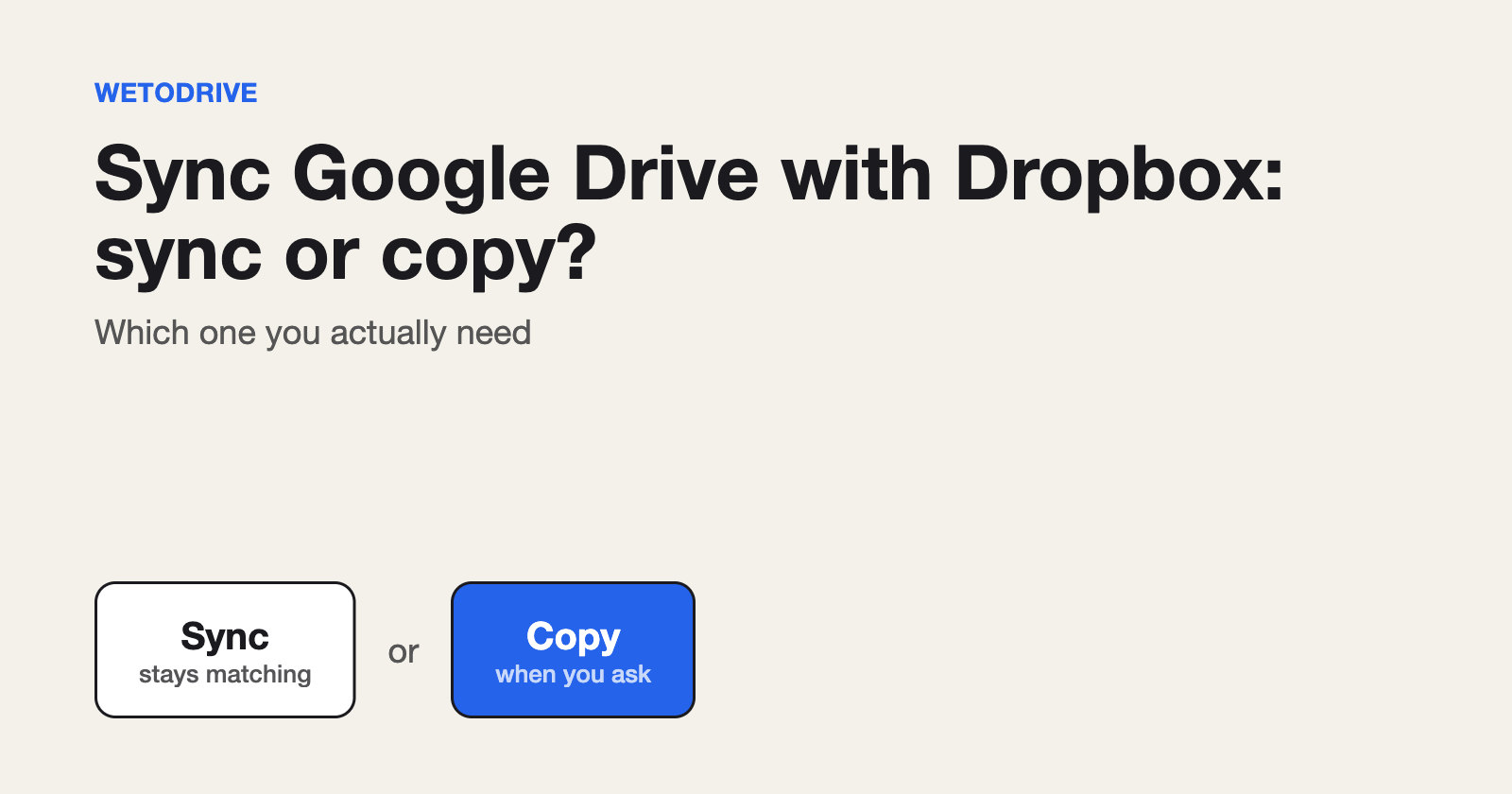
Syncing keeps two folders matching over time and needs both apps installed. A transfer is a one-off copy you start when you want it, with nothing to install. If you are leaving Dropbox, or moving a finished project, a one-off copy is usually what you want.
Does Google offer its own way?
Google publishes a help page on moving files in from Dropbox for some Workspace accounts. Availability depends on your account, so check it before you plan around it.
The full comparison table is in our guide to transferring Dropbox to Google Drive without downloading.
Disclosure: I run WetoDrive, the tool mentioned above.
About the author
Full Stack Developer and Cloud Engineer with 4+ years of hands-on experience designing, developing, and implementing applications and solutions using a range of technologies, platforms, and programming languages.
Comments
Join the discussionNo comments yet. Be the first to comment.